
01 / EXPERIMENT
Set the scene
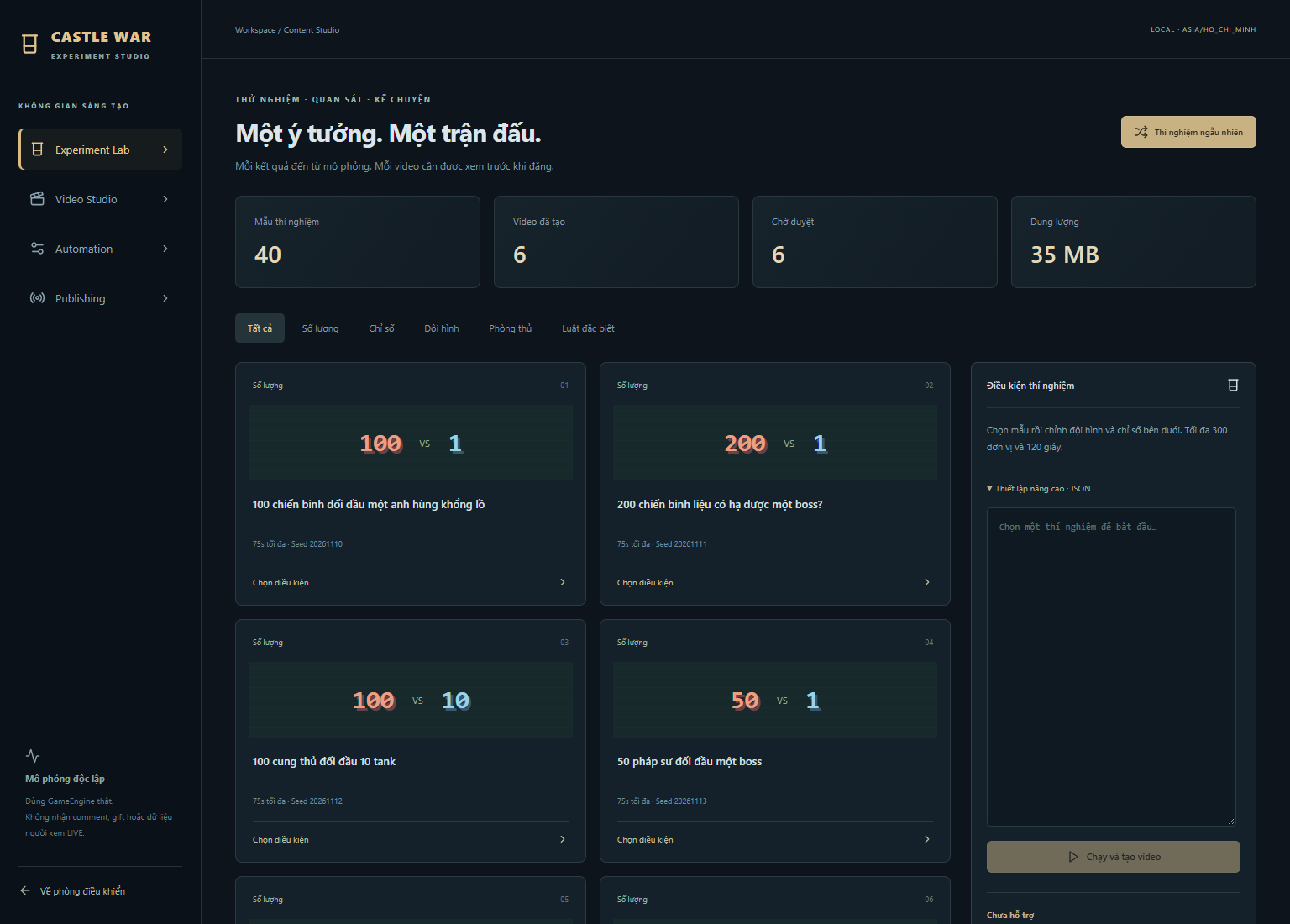
Choose a battle template, team composition and conditions in the Experiment Lab.
A desktop workspace for original game videos
Run a Castle War experiment. Turn the result into a vertical video. Review every clip before you decide where it goes.
A local workflow for battle experiments, recorded results and creator decisions. Exporting a file never requires TikTok authorization.
01 / EXPERIMENT
Choose a battle template, team composition and conditions in the Experiment Lab.
02 / CREATE
The local engine simulates the battle and the Studio produces a vertical MP4 with audio.
03 / REVIEW
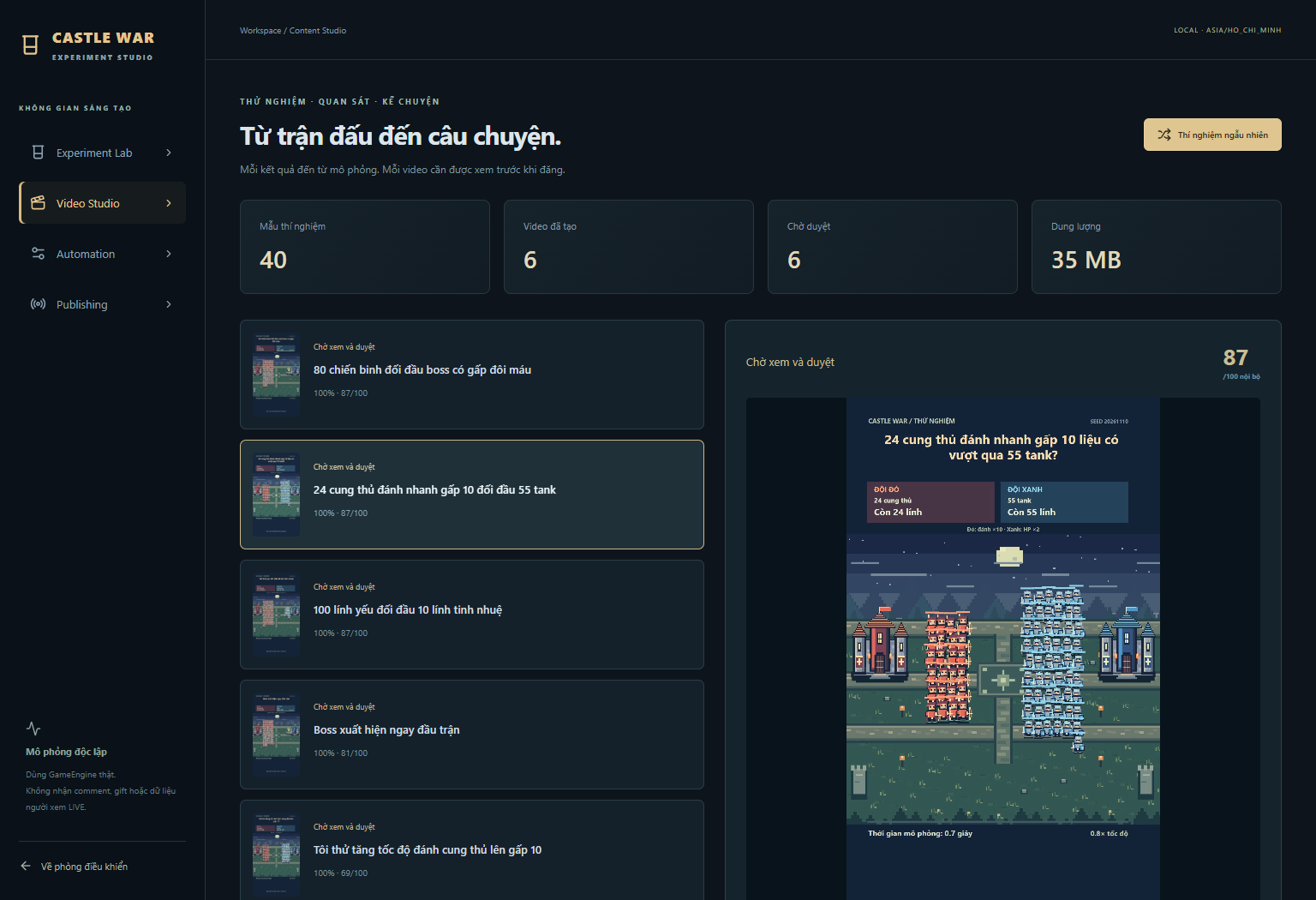
Watch the actual clip, check its caption and approve the video before a transfer can be requested.
04 / SHARE
With approved access and your OAuth permission, send to Inbox. Open TikTok to edit and publish yourself.
One workspace. A clear sequence.
Experiment templates and custom settings let you compare armies, stats and rules. Outcomes come from the simulation.
Preview generated video, inspect the caption and either approve, reject or render again. Quality scores are internal checks, not predictions of views.
A real exported example
This is an existing MP4 generated by the local Experiment Studio, not a simulated TikTok upload or an app-review demo.
The footage reflects its recorded settings and build. It does not establish that TikTok has authorized the app.
Download the example MP4Optional TikTok connection
Login Kit lets you authorize the target account. With approved video.upload access, the Studio transfers an approved MP4 to TikTok Inbox.
Open the Inbox notification, review or edit the video, paste your exported caption, choose the audience and publish in TikTok. This release setup does not request public Direct Post.
Read the connection steps →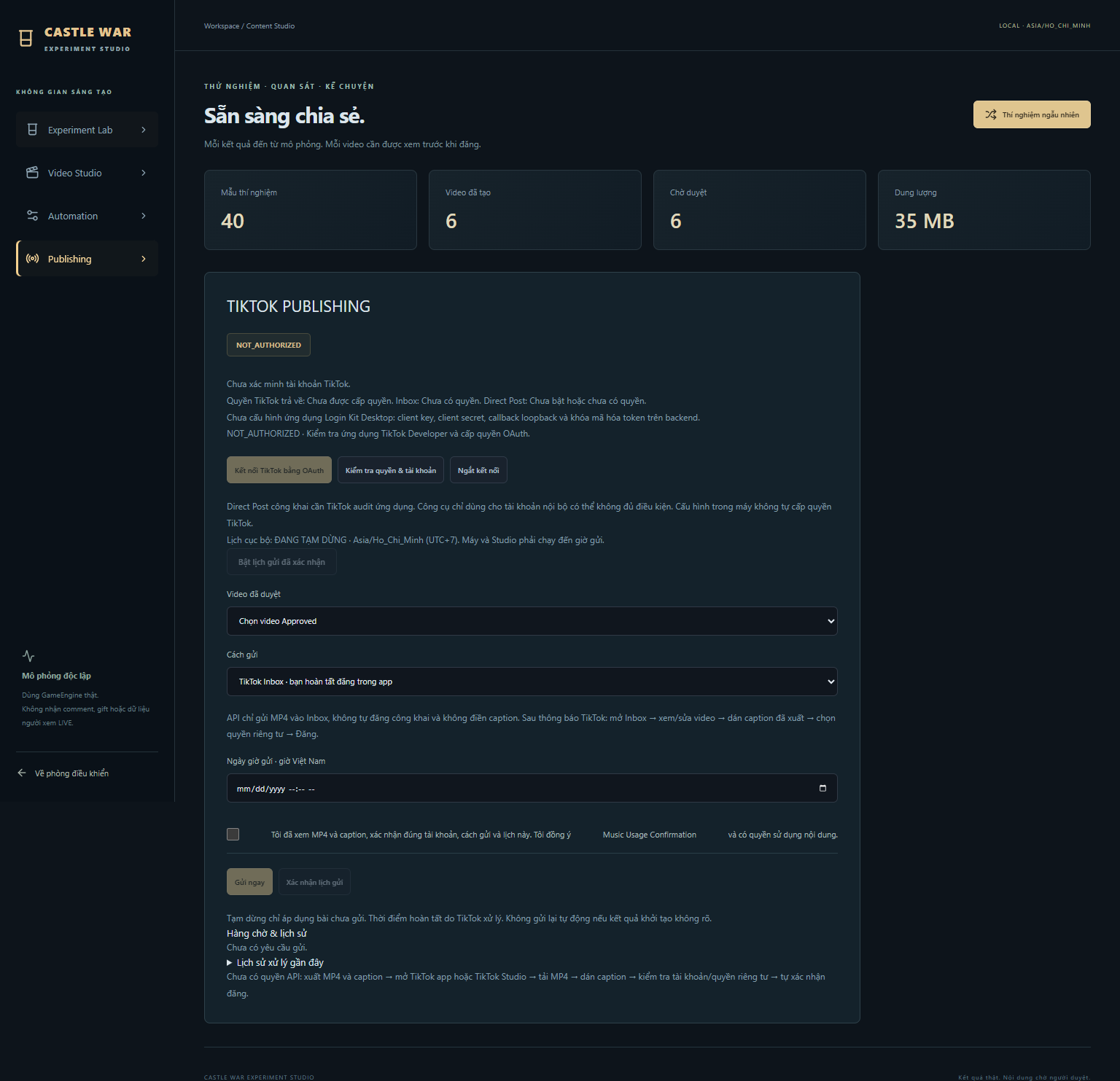
The current software runs from a local Windows installation using Node.js. There is no public installer or hosted version of the Studio on this website. Contact nuiprono1@gmail.com for access and setup questions. TikTok features remain subject to application approval, granted scopes and account authorization.