
01 / EXPERIMENT
Set the scene
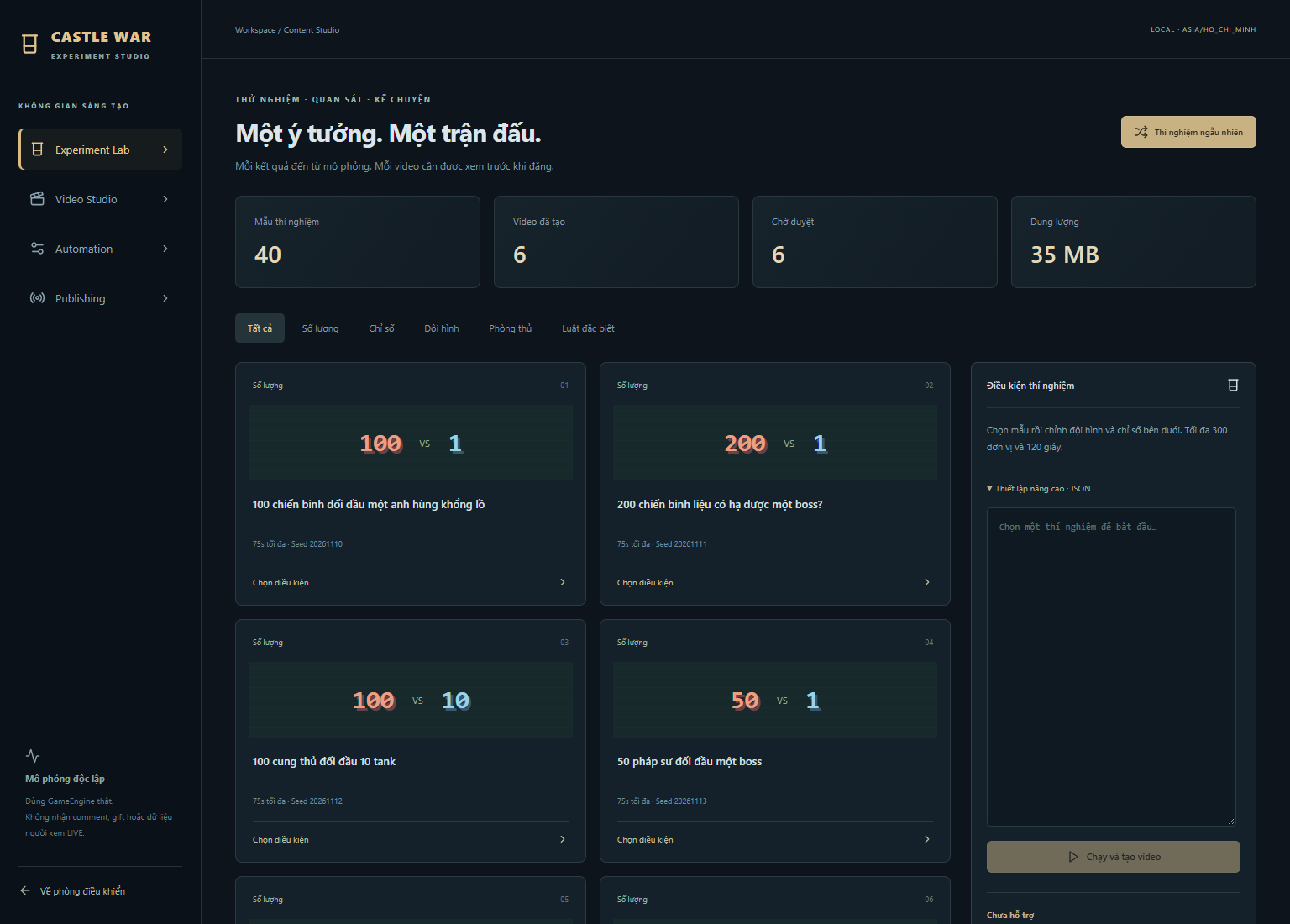
Choose a battle template, team composition and conditions in the Experiment Lab.
Product / Features
Create original battle footage, review the actual result and decide what to share.
01 / EXPERIMENT
Choose a battle template, team composition and conditions in the Experiment Lab.
02 / CREATE
The local engine simulates the battle and the Studio produces a vertical MP4 with audio.
03 / REVIEW
Watch the actual clip, check its caption and approve the video before a transfer can be requested.
04 / SHARE
With approved access and your OAuth permission, send to Inbox. Open TikTok to edit and publish yourself.
Choose from the existing experiment library or edit the conditions. The Studio records actual simulation results and builds clips from that recording.
The content workflow runs independently from live-stream viewer events. It does not require chat, gifts or a TikTok account to create an MP4.
A local worker renders video with audio. Queue and resource settings bound how much work runs. Rendering still uses your computer’s CPU, storage and memory.
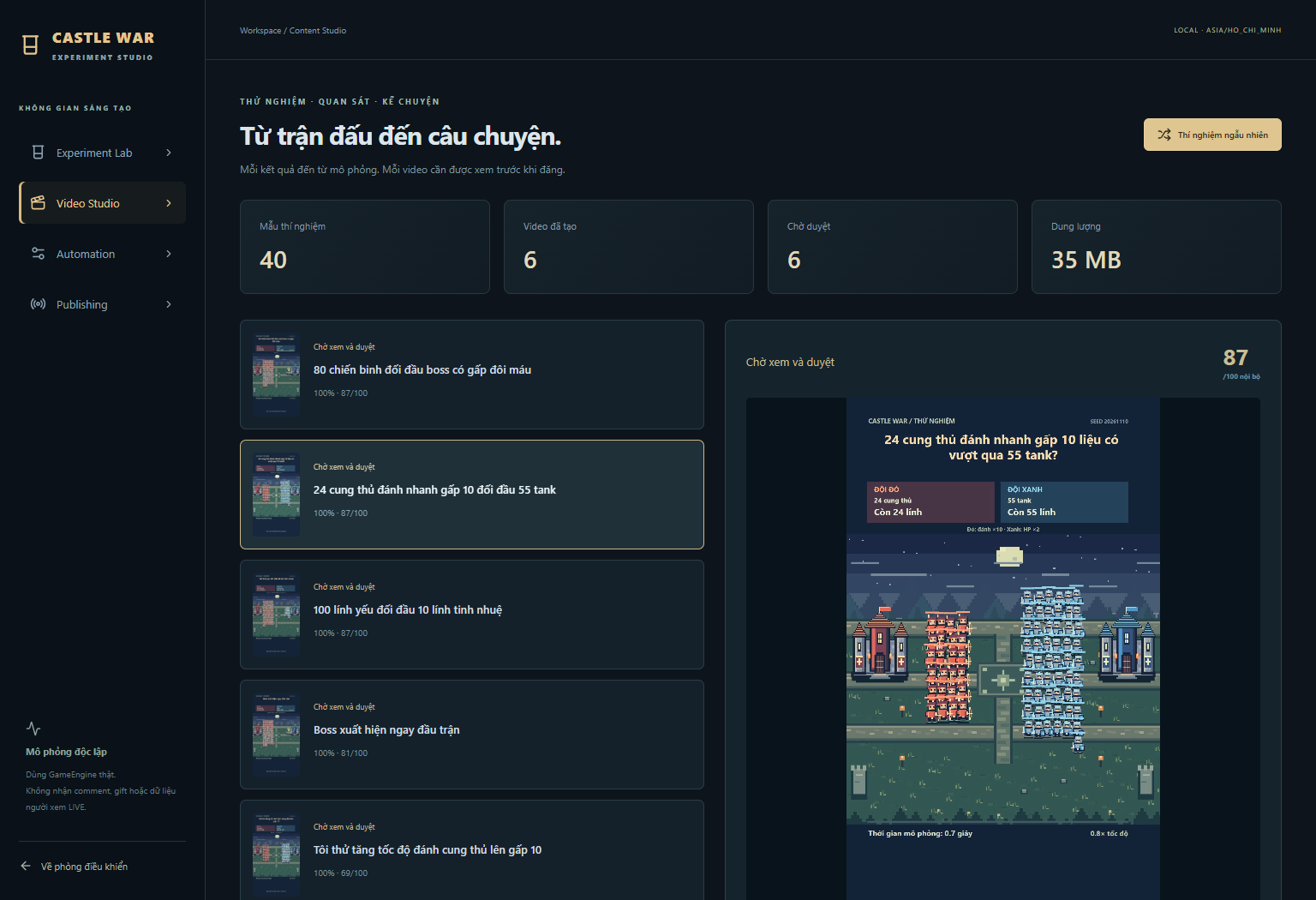
Watch the clip, read the proposed caption and approve or reject the result. Changing the caption or rebuilding the clip requires a fresh approval.
Approved files can be exported as MP4 alongside caption text. No API access is required for manual upload using TikTok’s own app or website.
Format, codec, frame rate, dimensions, duration, file size and approval are checked before an API transfer. Hashes and saved instructions prevent accidental duplicate submissions.
When permitted, Login Kit identifies the account and grants the scopes returned by TikTok. The Studio uses FILE_UPLOAD to send the selected MP4 directly to TikTok’s upload endpoint, then polls the returned publish ID.
An Inbox notification means you must still complete posting in TikTok. Caption and audience are chosen in TikTok for this workflow. The website does not act as an OAuth callback or proxy for the video.
You may confirm a send time in Asia/Ho_Chi_Minh (UTC+7), pause queued transfers or change an unsent schedule. The computer and Studio must remain running. Sending a file is not a guarantee of when or whether a public post will appear.
Unknown initialization outcomes are not blindly retried. Existing provider IDs are tracked after restart. No public Direct Post is included in this review setup.
Open the full guide